Step 1
Download PICKUP-lah App in App Store / Play StoreGo to your App Store for iOS devices and Play Store for Android devices and search for PICKUP-lah or you can scan the QR Code given below and it will automatically bring you to our app download page.

Step 2
Choose your preferred language.We're proud to offer our app in DWI language, ensuring that all customers can use our platform comfortably and confidently. You can easily navigate menus, read descriptions, and understand promotions in English and also in our local language Bahasa Melayu.
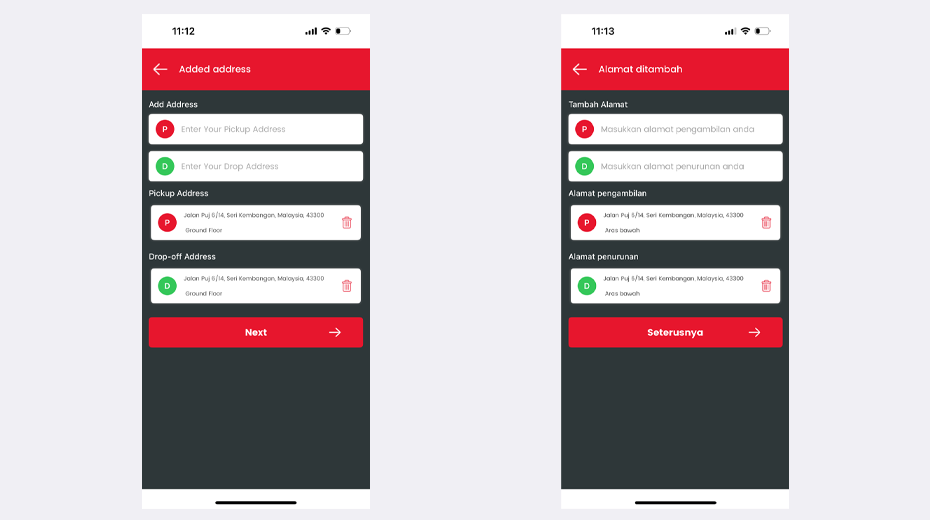
Step 3
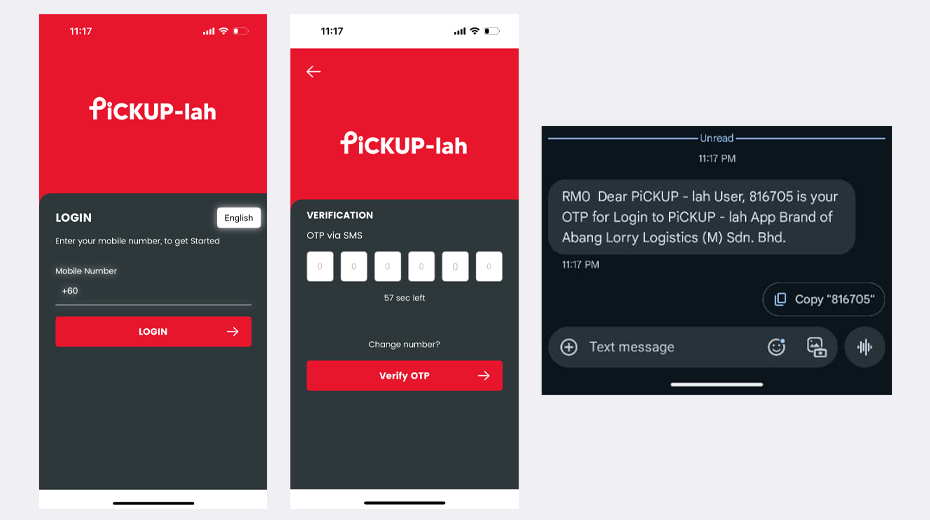
LOGINYou can login with your mobile number :
- An OTP number will be sent to the registered mobile number.
- Please enter the OTP number to verify your mobile number.
Step 4
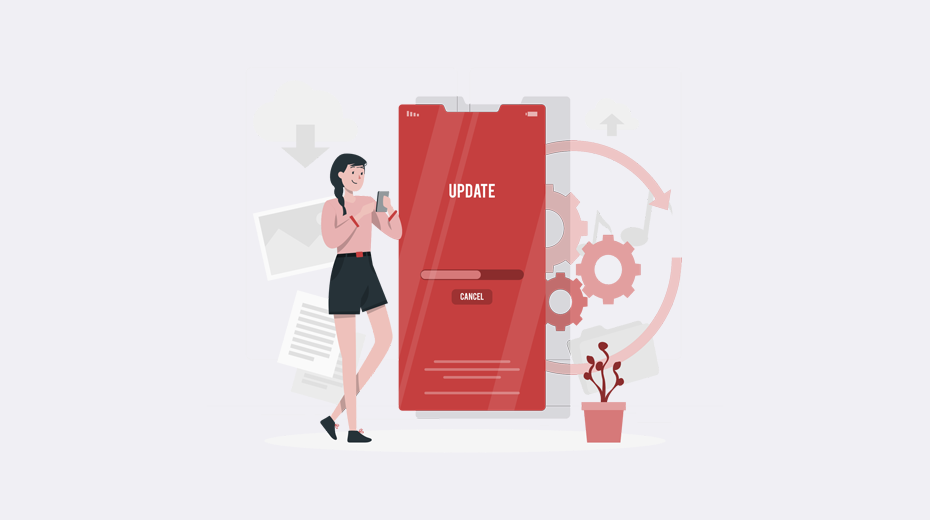
Update your detailsFill up your details like your name, email address, home address and update your profile. You can upload your profile picture as well and set up your account.
Step 5
Start BookingYour account will be registered successfully and you can start using our app for your delivery needs.
Join us and experience delivery like never before!
Join our growing community of satisfied customers who enjoy hassle-free delivery services tailored to their busy lifestyles. Don't miss out on the convenience and variety that Pickup-Lah brings. Download the app now and take the first step toward a more convenient lifestyle. Get It On
  Download on the